
How it works
Generate and host your store links — no website required
Play Store and App Store ask you for a privacy policy URL and a support address; AdMob wants a developer website for app-ads.txt. You never have to build a website — Vibeloy generates the links you need and hosts them on your own subdomain.
Create your policy
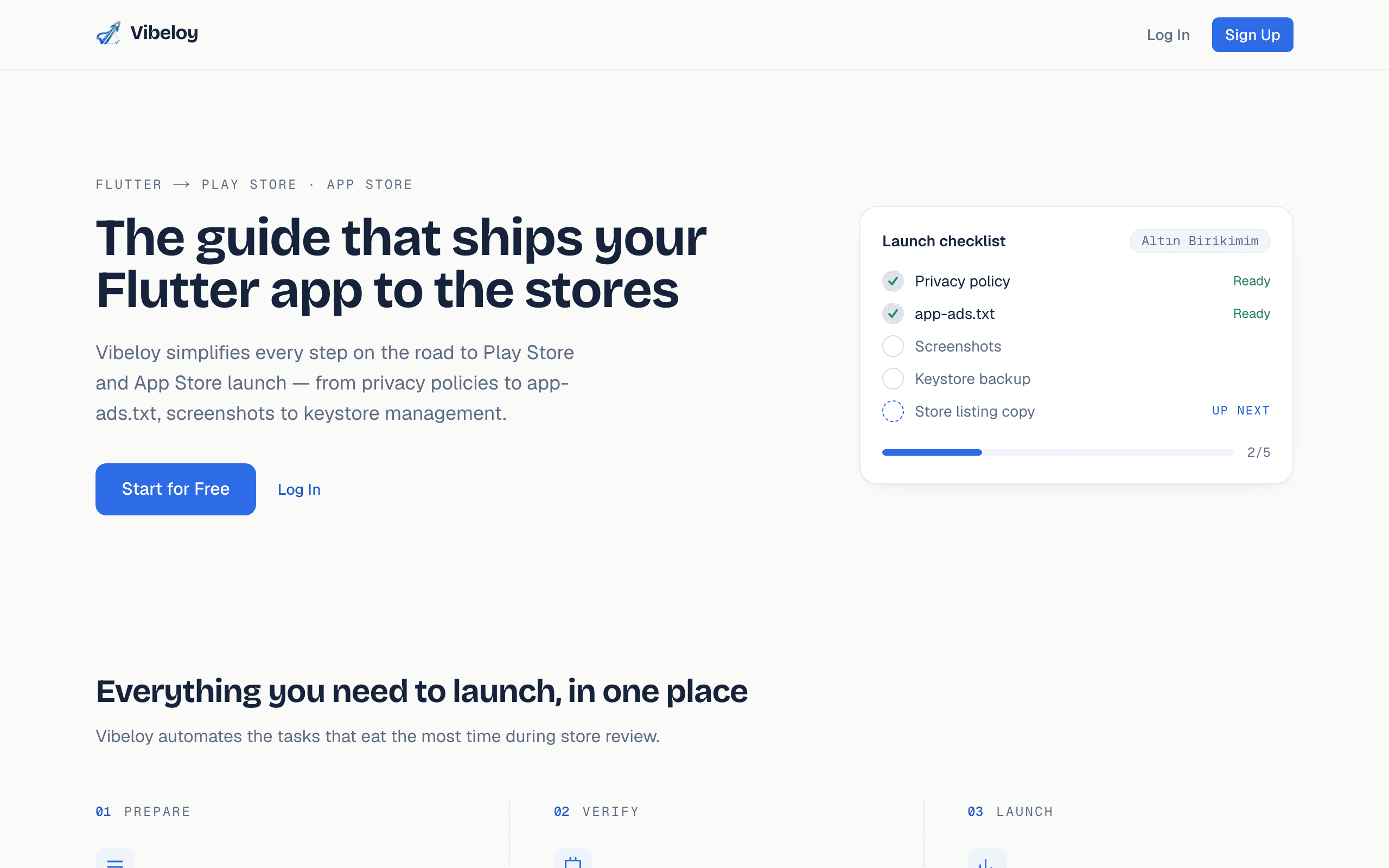
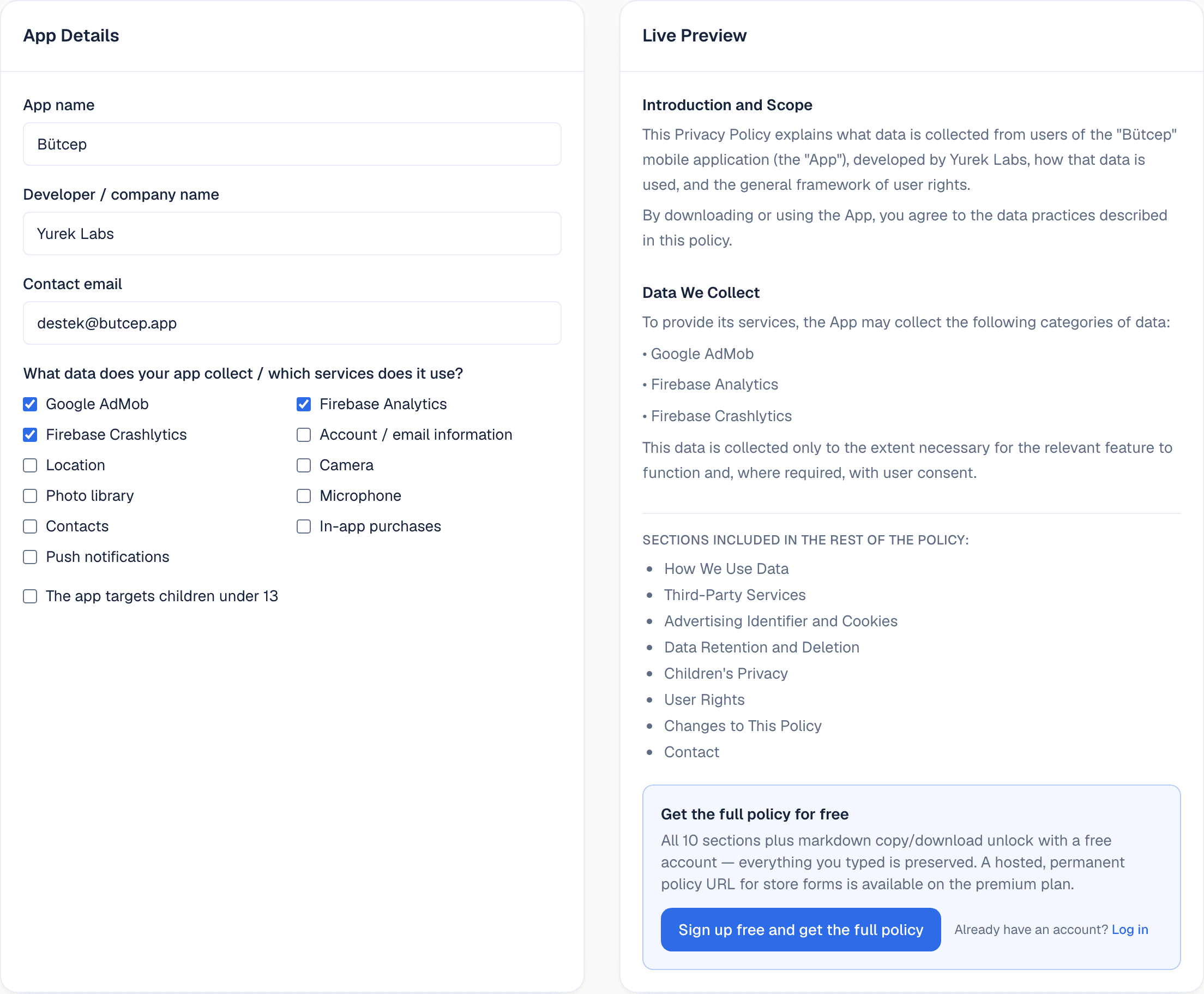
Open the privacy policy tool and check off the data your app collects. The preview builds instantly; with a free account you copy or download the full text. A hosted, permanent URL unlocks on the premium plan.
Generate your app-ads.txt line
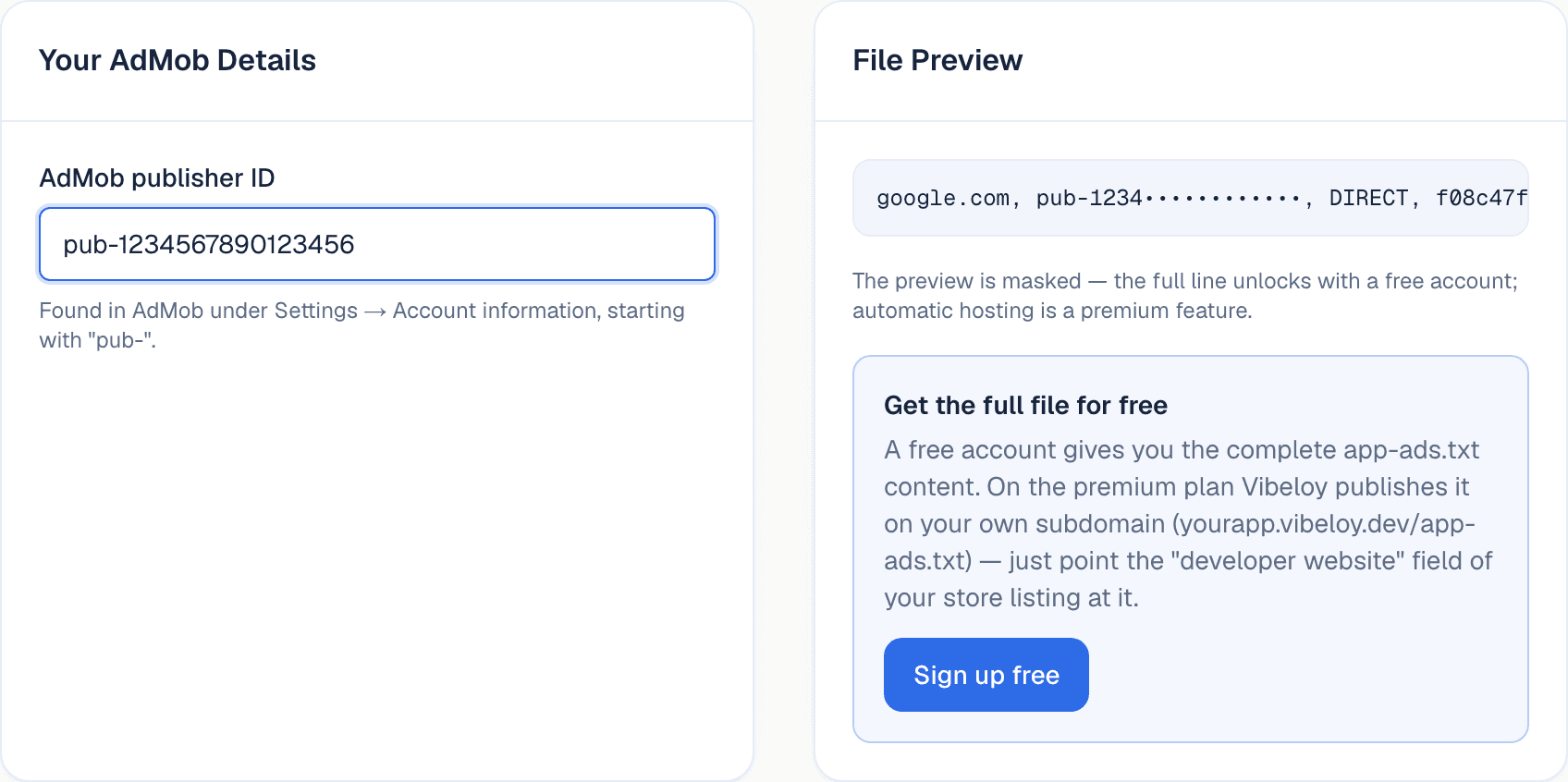
Enter your AdMob publisher ID and Vibeloy produces the app-ads.txt line that protects your ad revenue. Copy the content for free; on premium it publishes automatically at the root of your subdomain.
Publish in one click with premium
On the premium plan your privacy policy, app-ads.txt file, marketing page and support page go live on your own subdomain in one click. The links are permanent — you paste them into the stores once, then update the content from your dashboard later.
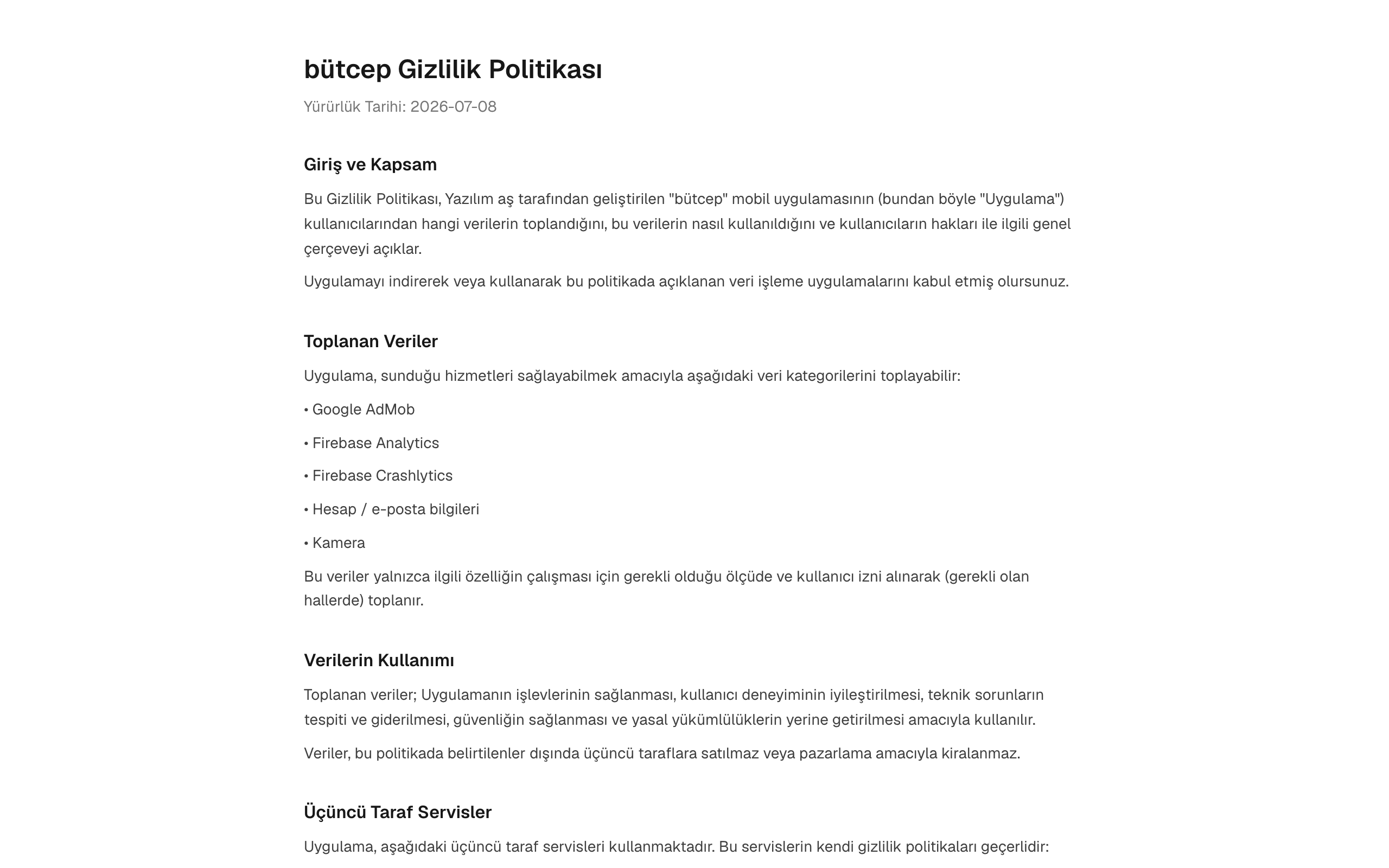
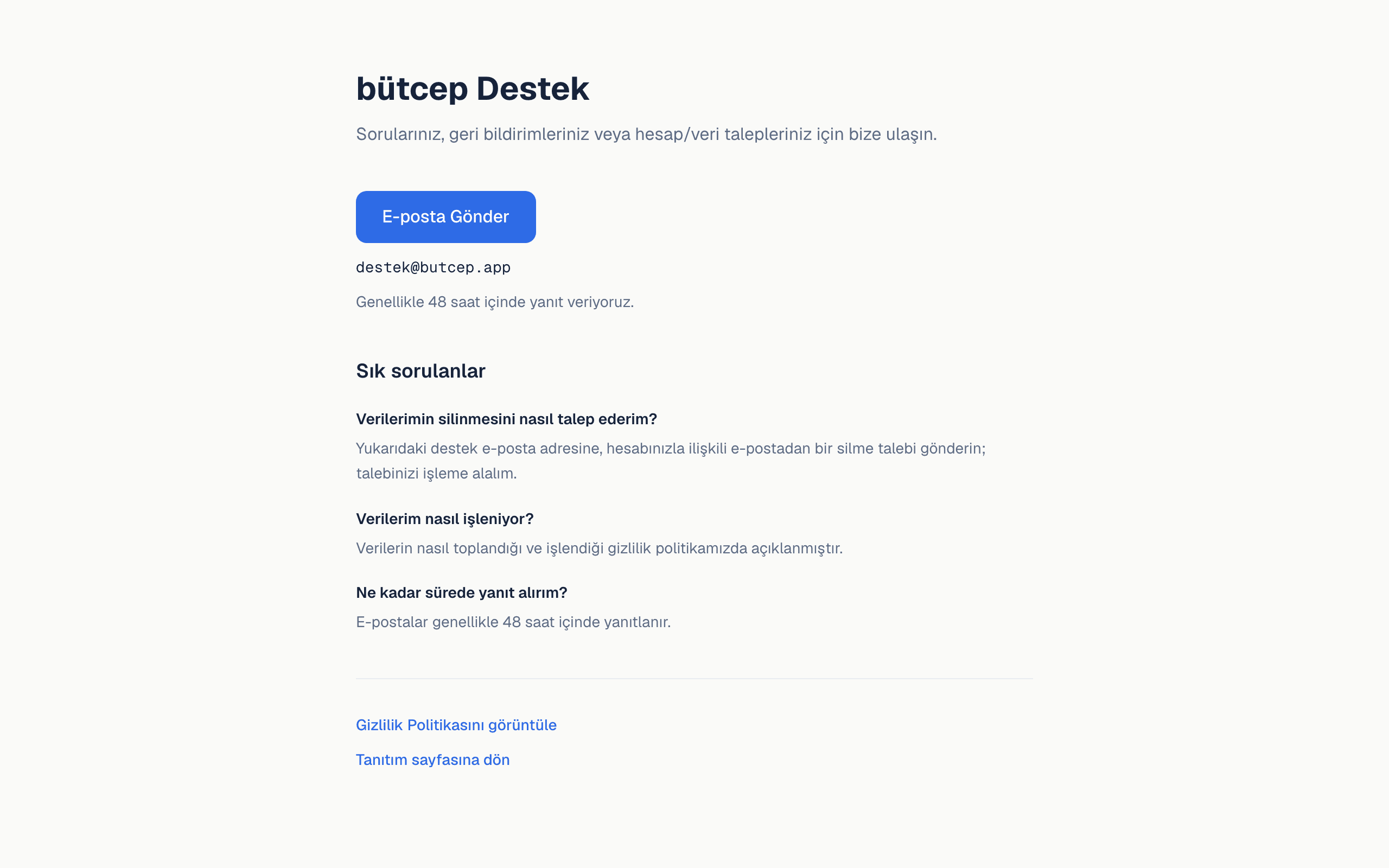
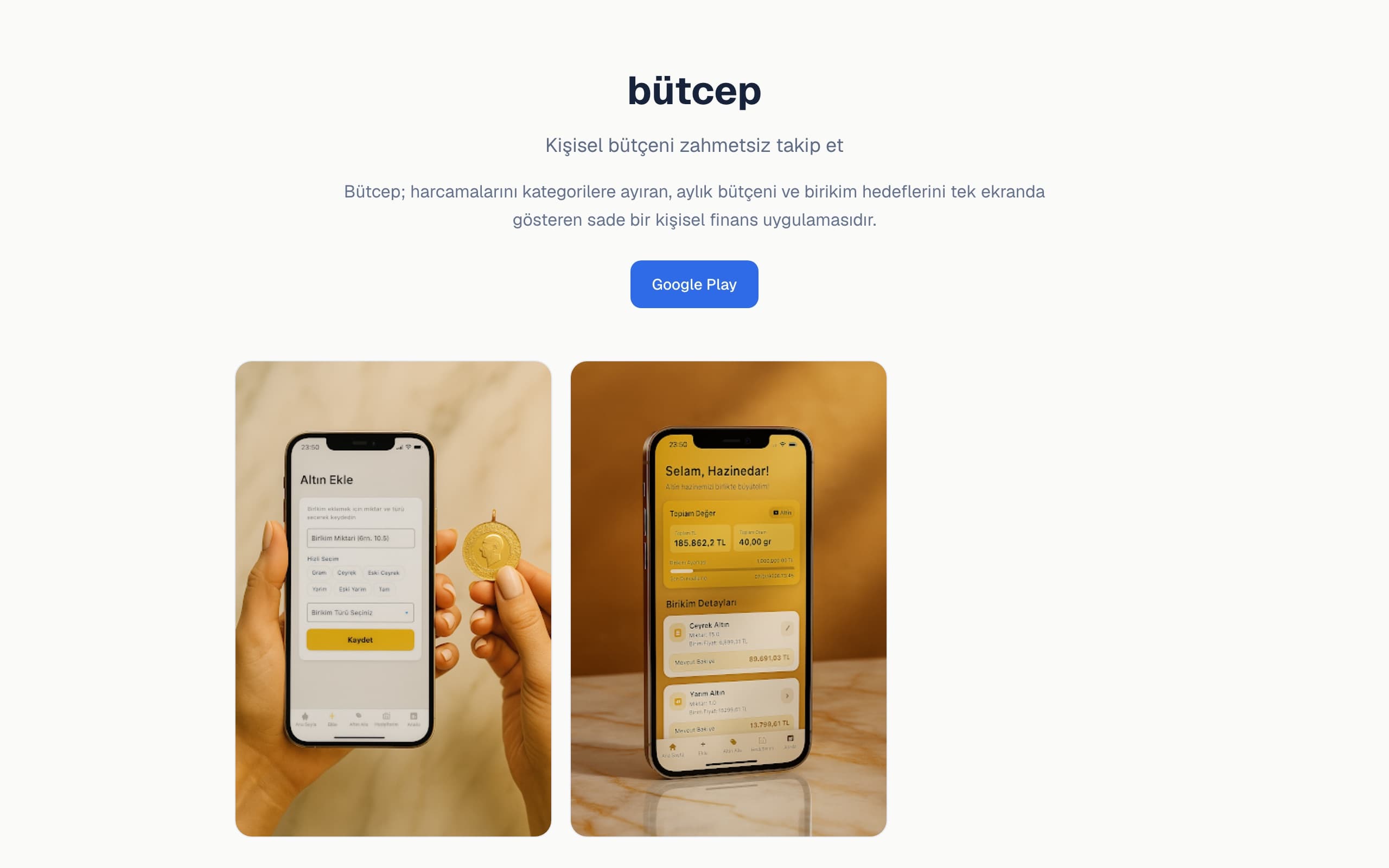
Live example:https://naim-yurek-altin-birikimim.vibeloy.dev
Paste the link into the store
All that is left is pasting the generated links into the right store fields. The only thing the stores want is a reachable, public URL.
Google Play Console → App content → Privacy policy
App Store Connect → App Information → Support URL
Use the same support link for the support email and website fields of your Play Console store listing too.
AdMob verification → Developer website on your store listing
AdMob finds your app-ads.txt file automatically at this root.
Frequently asked questions
- Are the links permanent?
- Yes, as long as your premium subscription is active. If you cancel, the links stay live until the end of the period; resubscribe within 3 days and they continue without interruption.
- Do the stores accept these links?
- Yes. The only thing the stores require is a reachable, public URL — which is exactly what Vibeloy provides.
- What's included in the free plan?
- You generate, copy or download the full privacy policy and app-ads.txt content, and access the guides and blog. Hosting is on the premium plan.
- Which frameworks are supported?
- Flutter and React Native/Expo first. The generated outputs — policy, app-ads.txt, pages — work regardless of framework.
- Can I use my own domain?
- For now hosting lives under <slug>.vibeloy.dev. Custom domain support is on the roadmap.
Start getting your app launch-ready today
No credit card required — generate your policy and app-ads.txt line in minutes.